Reseller Inventory Spreadsheet: Cost Each Item From a Lot
Reseller inventory spreadsheet: the columns to set up, how to split one lot's price across its items, and how to track sold, listed and unlisted stock.
By Ultimate Inventory Tracker by Cosmo Suite · Editorial policy
Published · 9 min read
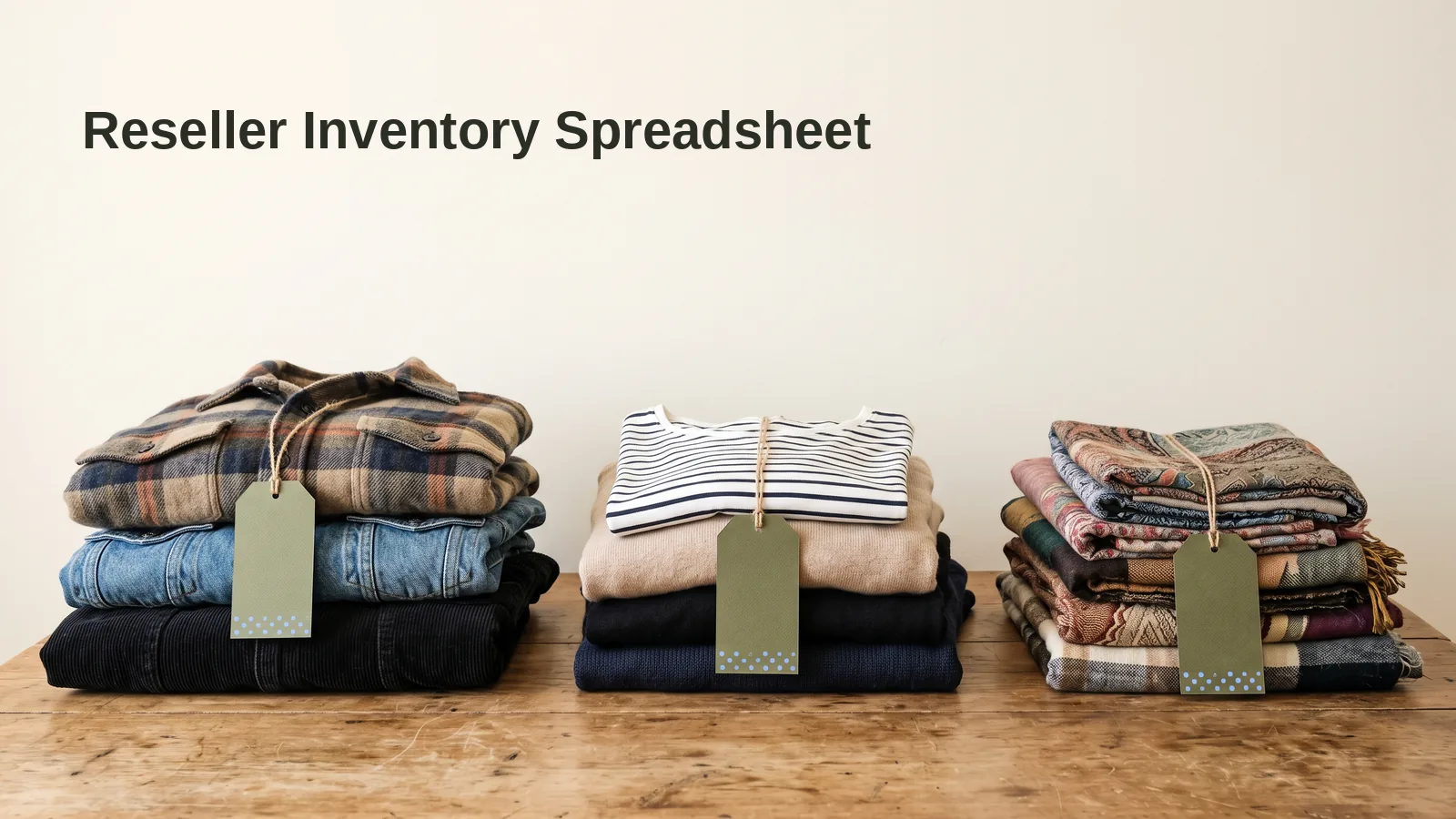
A reseller inventory spreadsheet should tell you what each item cost, not only how many items you own. That is easy when you buy one piece at a time, but it gets harder when you buy a lot, which is one price paid for a box of mixed items.
In short, give every item its own row, split the lot price across those rows, and note where each item is listed. If the items are alike, a flat average is enough, and if they differ, split by weight. The Ultimate Inventory Tracker stores a unit cost for each item, so the split is the part you work out first.
This guide follows one fictional lot of 20 items from the first count to the end of the month. For sourcing and inspecting a lot, read how to start reselling with one test lot. Here we stay on the sheet.
In Short
- One row per item, because a lot has to be split before any item has a cost.
- Use a flat average when items are alike, and weights when they are not.
- Both splits must add back to the price you paid. Check the sum.
- One item listed on three platforms is still one unit, with one row and one status.
- Put the lot name on every row so you can total what is left from that lot.
What does a reseller inventory spreadsheet need to track?
Start with one row per item and a short set of columns. Lot costing needs a few columns that a plain stock list does not have, namely the lot name, a weight and the cost each, while the rest tell you where the item stands.
| Column | What goes in | How you get it |
|---|---|---|
| Item | A short name and a number, such as jacket 1 | You type it |
| Lot | The lot name and the date bought | You type it |
| Weight | Your own whole number for how much of the lot price the item carries | You type it |
| Cost each | The item's share of the lot price | Lot price × item weight ÷ total weight |
| Status | Not listed, listed or sold | You pick it from a list |
| Listed on | Each platform that shows the item | You type it |
| Sold | Date and platform | You type it |
A lot is a group of items bought together for one price. Cost each is the share of that price one item carries. Fees and shipping are separate costs. Keep them in their own columns, and leave them out of the lot split.
Weight is not a price but a rank that you pick, based on the sold listings you checked before you bought. If every item gets the same weight, the formula gives you the flat average. For a general stock list that is not built around lots, the inventory spreadsheet guide covers the full column set.
How do you split one lot's price across its items?
Divide the price by the number of items for a flat average, or share it by weight when the items differ. Either way, the shares must add back to what you paid.
Take a fictional lot of 20 items bought for $114, made up of 4 jackets, 10 tops and 6 scarves, and give the jackets a weight of 3, the tops 2 and the scarves 1. The numbers are for the example only.
| Group | Items | Weight each | Weight total |
|---|---|---|---|
| Jackets | 4 | 3 | 12 |
| Tops | 10 | 2 | 20 |
| Scarves | 6 | 1 | 6 |
| Whole lot | 20 | 38 |
The flat average is $114 ÷ 20 = $5.70 for every item. The weighted split is $114 ÷ 38 = $3.00 for each point of weight, so a jacket with 3 points carries $9.00, a top carries $6.00 and a scarf carries $3.00.
| Group | Items | Flat cost each | Flat total | Weighted cost each | Weighted total |
|---|---|---|---|---|---|
| Jackets | 4 | $5.70 | $22.80 | $9.00 | $36.00 |
| Tops | 10 | $5.70 | $57.00 | $6.00 | $60.00 |
| Scarves | 6 | $5.70 | $34.20 | $3.00 | $18.00 |
| Whole lot | 20 | $114.00 | $114.00 |
Both totals equal $114.00, and that sum is your check, because if your rows add to anything else, a share is wrong.
The flat average hides a mismatch. It says a scarf cost $5.70, which is nearly double its weighted share, and it says a jacket cost $5.70, which is $3.30 short. When you sell the jacket first, the flat split shows less cost than the lot really put into it.

Weights are a way to share a cost and do not predict what an item will sell for, so use whole numbers you can explain and keep the same weights for the life of the lot. If the split leaves odd cents, round each item and put the leftover cents on the last row.
Lot Costing: What to Use When
Choose the split that matches the lot in front of you, and prefer the simplest method you can explain.
| Your lot | Split to use | Check before you rely on it |
|---|---|---|
| Items that are alike, such as 20 plain tees | Flat average | Are size, brand and condition close? |
| Mixed items, such as jackets and scarves | Weighted split | Can you say why each group has its weight? |
| Some items are damaged | Spread the price over the items you keep | Did you log the rest in Adjustments with a reason? |
| Items bought one at a time | No split, enter each price as paid | Do you keep the receipt for each? |
Do not mix two lots in one split, because each lot gets its own name and its own total. That is what lets you answer a plain question later: how much of the $114 is still sitting on the shelf?
The Reseller's Lot, Worked Through
Here is the $114 lot from the day it arrives to the end of the month. The figures are illustrative, not sales results. They show how a status column and a cost column work together.
On day one you count 20 items, tag them in three piles and enter 20 rows, with a cost each of $9 on four rows, $6 on ten rows and $3 on six rows, which add to $114. On day three you list the jackets on all three platforms, the tops on one and the scarves on two, which makes 34 listings for 20 items.
By the end of the month 9 items have sold, namely 2 jackets, 5 tops and 2 scarves, and one scarf was never listed, so this is the status count:
| Status | Jackets | Tops | Scarves | Items |
|---|---|---|---|---|
| Sold | 2 | 5 | 2 | 9 |
| Listed | 2 | 5 | 3 | 10 |
| Not listed yet | 0 | 0 | 1 | 1 |
| Whole lot | 4 | 10 | 6 | 20 |
Each column adds back to the lot, and so does the last row. Now look at the cost side, where the sold items cost 2 × $9 + 5 × $6 + 2 × $3 = $54.00 on the weighted split and the 11 items left cost $60.00, which together make $114.00.
| Measure | Weighted split | Flat average |
|---|---|---|
| Cost of the 9 items sold | $54.00 | $51.30 |
| Cost of the 11 items left | $60.00 | $62.70 |
| Lot price | $114.00 | $114.00 |
The flat average puts $2.70 less cost on the sold items because two of them were jackets, which is the reason to split by weight when a lot is mixed. The numbers are for your own tracking and are not tax figures.
How do you track one item listed on three platforms?
Keep one row and one status per item, because a listing is an advert for the item and not a second copy of it. Cross-listing is offering one item on more than one platform at the same time, and it never changes how many units you own.
Say the first jacket is listed on a general marketplace, a fashion app and a local pickup group. The sheet shows one jacket, status listed, and the listed on cell reads all three. When it sells on the fashion app, you set the status to sold and enter the date and platform. Then you remove the other two listings the same day.
That last step is the weak point, because a sheet cannot reach into a marketplace and take a listing down, and if you forget, you can sell the same jacket twice. The guide to stopping overselling when stock sits in more than one place covers the routine for closing out a day.

Use a drop-down list for status, so you type the same three words every time. Google explains how to create an in-cell dropdown list in Sheets. Microsoft explains how to create a drop-down list in Excel.
How do you set up the lot rows in 6 steps?
Set the rows up the day the lot arrives, while the items are still in one place, since it takes a few minutes per lot and saves you from guessing a cost months later.
- Count and sort the lot. Give each item a name and a number. Put items of the same kind in one pile.
- Write the lot line. Enter the lot name, the date and the price from the receipt.
- Pick the split. Use a flat average for alike items. Use weights for mixed items, and write the weights down.
- Enter cost each. Put a cost on every row, then add the rows. The sum must equal the lot price.
- Set the status. Mark each item listed or not listed, and add each platform to the listed on cell.
- Close each sale. Set the status to sold, enter the date and platform, and remove the other listings. Then total what is left from that lot.
Keep the receipt for the lot. The IRS describes purchases as the items you buy and resell, and lists proof of payment among the supporting documents. Its page on what kind of records to keep is a good place to start, and a qualified professional can answer tax questions.

If you would rather not build the tabs yourself, a ready-made inventory file for Google Sheets and Excel has the item, sales and place tabs already linked. You still do the lot split by hand.
How the Ultimate Inventory Tracker Handles This
The Ultimate Inventory Tracker (by Cosmo Suite: one Google Sheets file and one Excel file, 12 tabs, $9 once) keeps a unit cost for each item on Products & Supplies. It sits next to the on hand count, the reorder level and a status flag. You work out the lot split yourself. Then you enter each item's share as its unit cost. The file does not split a lot for you.
When you log a sale on the Sales tab, the cost fills in from the item. You see cost of goods and gross profit for that line, for your own tracking, and the stock goes down at that place. A one-off item is simply a count of one.
Places hold stock in spots such as Shop or Online orders. They do not stand for platforms, so keep your platform notes in your own list. The status flag follows stock level, so it is not a listed or sold marker. The file does not connect to a marketplace, scan barcodes or log a sale for you. The sales page lists every tab.
Cosmo Suite makes this file, so weigh our view accordingly. The worked lot is fictional, and we checked every cited page on 23 November 2026. Our editorial policy explains how we fact-check these guides, and the About page names the publisher. For a correction, contact support@ultimateinventorytracker.site.
Frequently asked questions
How do you split the cost of a lot across its items?
Divide the lot price by the number of items for a flat average, or share it by weight when the items differ. Round each share to the cent and put any leftover cents on the last row, so the rows add back to the price you paid.
What columns should a reseller inventory spreadsheet have?
Start with item, lot, weight, cost each, status, listed on and sold. The lot and weight columns let you split one price across many items. The status and listed on columns show what is sold, listed or not yet listed.
Should I use a flat average or weights for a mixed lot?
Use a flat average when the items are alike in size and condition. Use weights when they are not, because a flat average gives a scarf and a jacket the same cost. Pick one method per lot and write it down.
How do I track an item that is listed on more than one platform?
Keep one row and one status for the item. List each platform in a listed on column. When it sells, mark it sold the same day and remove the other listings by hand, because a spreadsheet cannot do that for you.
Can the Ultimate Inventory Tracker split a lot or connect to my marketplaces?
No. It does not split a lot, connect to a marketplace or till, or scan barcodes. You work out each item's share of the lot, enter it as the unit cost, and log each sale yourself.
How many items can the Ultimate Inventory Tracker hold?
The file holds up to 1,000 products and supplies and up to 20 places. A one-off item is a row with a count of one, so a reseller with a few hundred pieces fits well inside that.
Sources
Keep reading

Small Sellers
Overselling: Why It Happens When You Sell in Two Places, and How to Stop It
Overselling happens when two sales use the same stock before your count changes. Use a place-by-place log, a small buffer, and a daily closeout.
· 9 min read
Small Sellers
How to Track Inventory for a Small Business Without Updating Stock by Hand
Small business inventory management for a two-person shop: six record fields, a 15-minute weekly check, a monthly count, and the double entry to stop.
· 10 min read

Small Sellers
Inventory Shrinkage: How Small Sellers Find Where Stock Went
Inventory shrinkage is the gap between recorded and counted stock. Learn how to check sales, receiving, damage, and locations before changing your count.
· 7 min read
