Supply Inventory Template: Track Supplies by Unit
Supply inventory template for makers: count wax in ounces, oils in grams and jars each, set reorder levels, and see what one batch takes off the shelf.
By Ultimate Inventory Tracker by Cosmo Suite · Editorial policy
Published · 9 min read

In a made-up example, one candle maker has 40 jars before a batch. Making 18 candles leaves 22, below a reorder level of 24. That gap is why a supply and stock file for makers beats memory.
The short answer: a supply inventory template needs three things: one stocking unit for each supply, a reorder level you can read at a glance, and a way to take supplies down each time you make a batch. A stocking unit is the repeatable quantity you use to count one supply.
In Short
- Choose one stocking unit per supply and keep using it.
- Set a reorder level with the next batch in mind.
- Record each batch once, then check the shelf against the sheet.
This post is for makers of candles, soap and similar goods. Wax is counted in ounces, oils in grams and jars one by one. It builds the sheet in that order, then runs one made-up batch through it.
What a Supply Inventory Template Needs
A supply inventory template needs one row per supply and a unit you choose once. Add what is on hand, what is on order, a reorder level, and a status that shows when you are at or below that level. Unit cost and supplier are useful extras.
| Column | Why a maker needs it |
|---|---|
| Item / ID | One row per supply, so soy wax flakes never appear twice |
| Category | Wax, oils, packaging and market kit group together |
| Unit | Each, oz or g, chosen once per supply |
| On hand | The count, in that unit |
| On order | What you have bought but not yet received |
| Reorder level | The count at which you buy again |
| Status | Shows Low when On hand is at or below the level |
| Unit cost | What one unit cost you, for your own tracking |
| Supplier | Who you buy it from |
The rule behind Status is "at or below". A count that sits exactly on the level is already time to buy. In Google Sheets, conditional formatting changes a cell's color when its value meets a rule you set, so the Status cell can change color when On hand reaches the level.
A general stock sheet needs a few more columns than these, and inventory management spreadsheet lists them.
Pick One Unit Per Supply: Each, Ounces or Grams
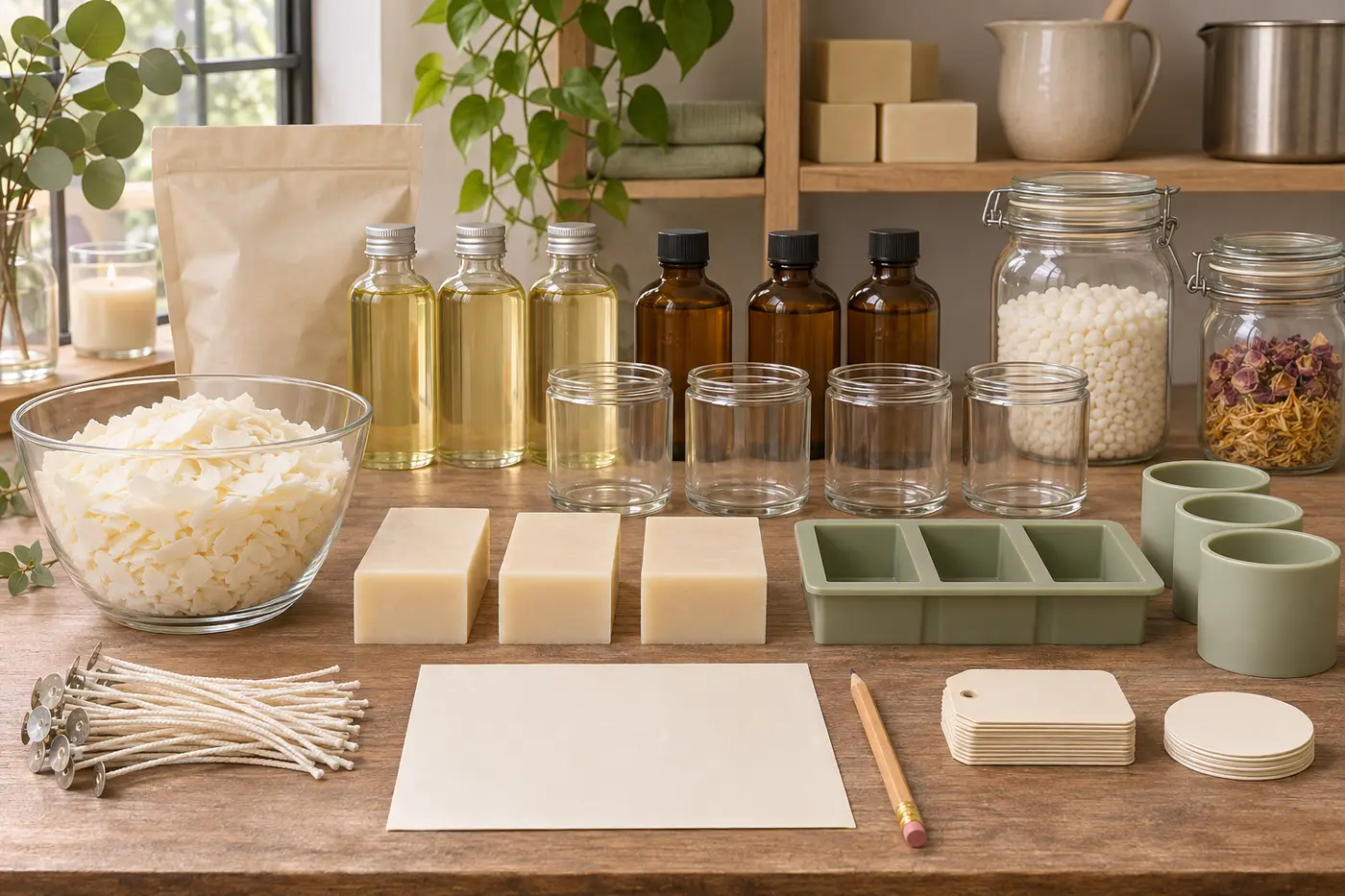
Count each supply in the unit you use it, buy it in whatever the supplier sells, and record it in your counting unit when it arrives. Wax goes in ounces, fragrance oil in grams, jars one by one. Never mix ounces and grams inside one supply.
- Wax: ounces. A batch uses a weight, so the count should be a weight.
- Fragrance and essential oils: grams. Small amounts read better in grams than in fractions of an ounce.
- Jars, wicks and labels: each. You use them one at a time.
A case of jars or a bag of wax is a purchase, not a stock unit. Your sheet can track the jars or wax in the unit you use, while the package size matters when you log what arrived. For example, a 10 lb bag of wax is 160 oz if the stock row counts ounces. NIST Handbook 44 (2026) lists 1 avoirdupois pound as 16 ounces, so multiply the bag weight by 16 before entering the quantity.
Pick the unit once and keep it. If wax is in ounces on Monday and pounds on Friday, the count is wrong, and a plain sheet may not flag the change. For weights, use the unit printed on your recipe or batch notes.
Supply Tracking: What to Use When
A notebook can work for a handful of supplies. Microsoft's gallery lists free inventory templates, including an inventory list with reorder highlighting. For a maker, check whether a chosen file supports different units and batch use before you rely on it. For shared access across devices, inventory management google sheets walkthrough covers sharing and limits.
| Situation | What works | Where it strains | Best for |
|---|---|---|---|
| Notebook or paper list | Quick, no setup, travels to the stall | Nothing flags a low count, and every sum is yours | A handful of supplies |
| Template from a free gallery | A grid to start from | Open it and check: can each supply have its own unit, and does anything take supplies down for a batch? | Makers who count everything one way |
| Your own sheet with formulas | Fits your supplies exactly | You build and maintain every formula | Makers happy to build |
| A purpose-built file | Ultimate Inventory Tracker by Cosmo Suite: one Google Sheets and one Excel file with the same 12 tabs, $9 once. Unit per supply, reorder level, status flag, a Reorder List and batches | No connection to an online shop or till, and no barcode scanning | Makers who mix units and make batches |
If you build your own, see how to build the stock sheet in Google Sheets or the Excel formulas for stock on hand.
Choose by how many ways you count.
A 30-Supply Example Before the Batch
In this made-up example, a candle-and-soap shelf has 30 supplies, each with its own unit, on-hand count and reorder level. Before any batch, three sit at or below their level: bubble mailers, tealight cups and scent sniff strips.
An illustrative example, made up for this post, not a real shop's numbers. It covers one shelf and one batch, with quantities and no prices. The rule: at or below the reorder level reads Low. Tealight cups show 24 on hand against a level of 24, so they count as Low.
| # | Supply | Unit | On hand | Reorder level | Status |
|---|---|---|---|---|---|
| 1 | Soy wax flakes | oz | 260 | 150 | OK |
| 2 | Lavender fragrance oil | g | 600 | 300 | OK |
| 3 | Cedar fragrance oil | g | 420 | 250 | OK |
| 4 | Cotton wicks | each | 60 | 25 | OK |
| 5 | Glass jars, 8 oz | each | 40 | 24 | OK |
| 6 | Jar lids | each | 50 | 24 | OK |
| 7 | Wick stickers | each | 200 | 50 | OK |
| 8 | Candle dye chips | each | 90 | 30 | OK |
| 9 | Candle labels | each | 100 | 30 | OK |
| 10 | Olive oil | oz | 96 | 64 | OK |
| 11 | Coconut oil | oz | 80 | 48 | OK |
| 12 | Shea butter | oz | 40 | 24 | OK |
| 13 | Lye | oz | 48 | 32 | OK |
| 14 | Lavender essential oil | g | 60 | 40 | OK |
| 15 | Oat powder | g | 450 | 200 | OK |
| 16 | Soap mold liners | each | 12 | 6 | OK |
| 17 | Soap wrap bands | each | 70 | 40 | OK |
| 18 | Soap box sleeves | each | 35 | 30 | OK |
| 19 | Shipping boxes, small | each | 28 | 20 | OK |
| 20 | Tissue paper sheets | each | 140 | 60 | OK |
| 21 | Kraft stickers | each | 110 | 50 | OK |
| 22 | Bubble mailers | each | 16 | 20 | Low |
| 23 | Packing tape rolls | each | 5 | 2 | OK |
| 24 | Thank-you cards | each | 75 | 40 | OK |
| 25 | Gift tags | each | 60 | 25 | OK |
| 26 | Twine spools | each | 4 | 2 | OK |
| 27 | Paper bags | each | 120 | 50 | OK |
| 28 | Price tags | each | 160 | 60 | OK |
| 29 | Tealight cups | each | 24 | 24 | Low |
| 30 | Scent sniff strips | each | 40 | 50 | Low |
Three of 30 supplies are flagged before the batch.
Reorder Levels That Match How You Make Things
Set the level at one batch of cover plus a small cushion, so you can buy before the next batch starts. For the soy wax, one batch uses 126 oz, and a 24 oz cushion makes the level 150 oz.
For example, the made-up batch uses 18 candles at 7 oz of wax each: 18 × 7 = 126 oz. Add the cushion: 126 + 24 = 150 oz. The 24 oz cushion is a choice made for this example, not a rule. Pick yours from how soon you can restock.
Jars follow the same pattern. The batch needs 18 jars, and a cushion of 6 gives a level of 24.
The recipe is illustrative only. It is not candle-making advice or a recommended fragrance load. This post also leaves out supplier lead times and covers only the shelf.
How a Batch Draws Supplies Down
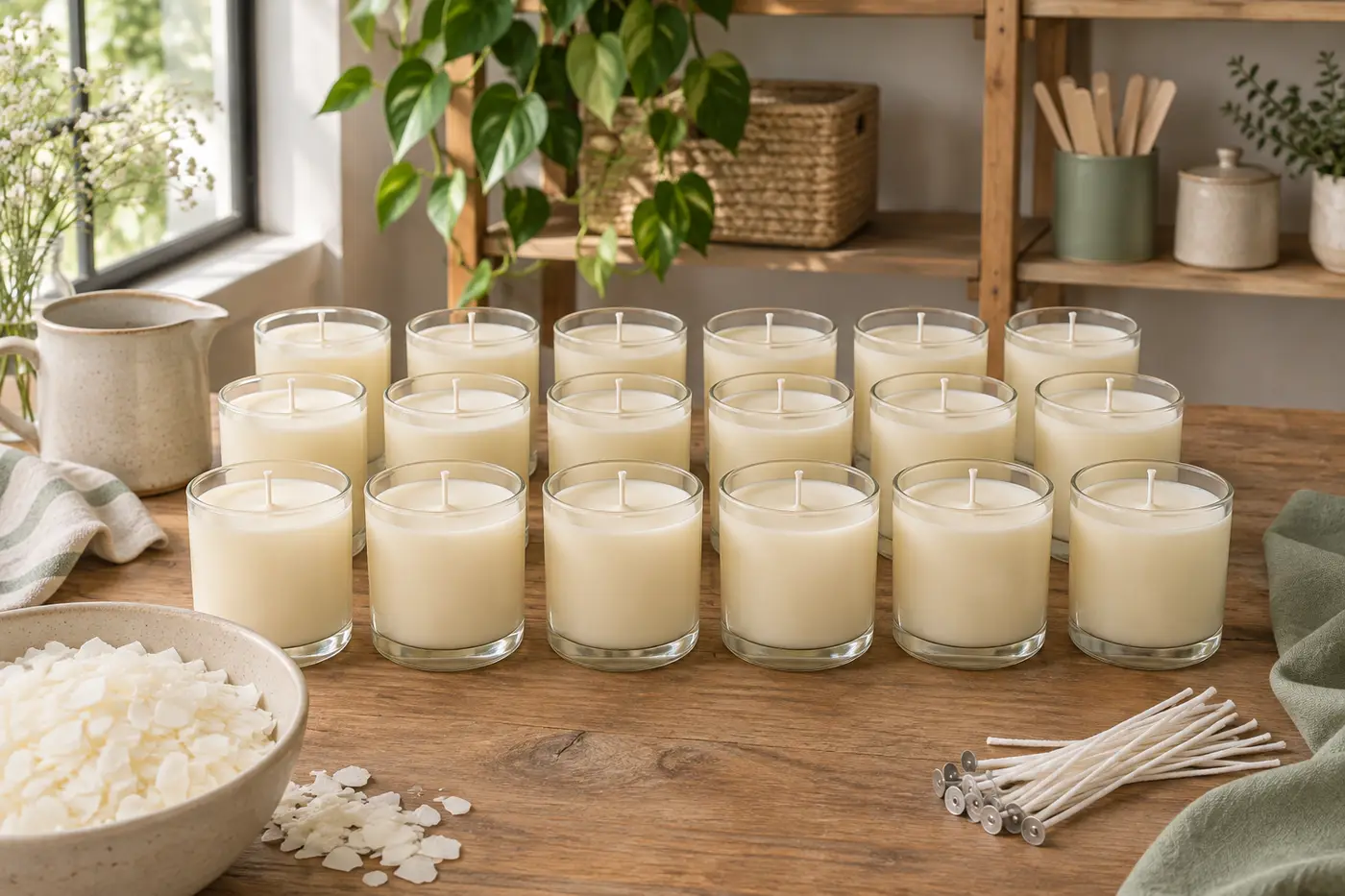
In the illustrative example, making 18 lavender candles takes 126 oz of wax, 252 g of fragrance oil and 18 each of jars, lids, wicks, wick stickers and labels. Afterwards wax and jars sit below their levels, so 5 of 30 supplies are flagged, up from 3.
Per candle, the illustrative recipe is 7 oz of wax, 14 g of lavender fragrance oil, 1 jar, 1 lid, 1 wick, 1 wick sticker and 1 label. For 18 candles, the fragrance oil is 18 × 14 = 252 g.
| Supply | Unit | Before | Used | After | Level | Status |
|---|---|---|---|---|---|---|
| Soy wax flakes | oz | 260 | 126 | 134 | 150 | Low |
| Lavender fragrance oil | g | 600 | 252 | 348 | 300 | OK |
| Glass jars, 8 oz | each | 40 | 18 | 22 | 24 | Low |
| Jar lids | each | 50 | 18 | 32 | 24 | OK |
| Cotton wicks | each | 60 | 18 | 42 | 25 | OK |
| Wick stickers | each | 200 | 18 | 182 | 50 | OK |
| Candle labels | each | 100 | 18 | 82 | 30 | OK |
One batch took two supplies below their reorder levels. The wax is at 134 oz, under its 150 oz level, but still covers one more 126 oz batch. That batch would leave 8 oz, so order before starting it. The fragrance oil fell by 252 g and stays above its level at 348.
What Keeps Supply Counts True
Four habits help keep counts true: stock rises when goods arrive, corrections carry a reason, each supply keeps one unit, and each batch is logged once. Break one and the sheet can drift away from the shelf.
- Log stock when it arrives, not when it's ordered. An order is not on the shelf yet. Keep it in On order until the box is open.
- Correct counts with a reason, don't overwrite. If a jar breaks, record the loss and the reason instead of typing a new total over the old one.
- Keep one stocking unit per supply. In Google Sheets you can add a dropdown list to a cell, so the Unit column offers only each, oz or g and you can set it to reject any other entry.
- Log each batch once. Log it twice and the supplies come down twice.
After a full recount, inventory management google sheets helps you compare the shelf with the sheet and fix the differences.
How the File Handles This
The Ultimate Inventory Tracker (by Cosmo Suite: one Google Sheets and one Excel file, 12 tabs, $9 once) is built for this kind of tracking. For supplies, Products & Supplies holds the unit, on hand, on order, reorder level, status flag and unit cost, and Batches takes supplies out when you make something.
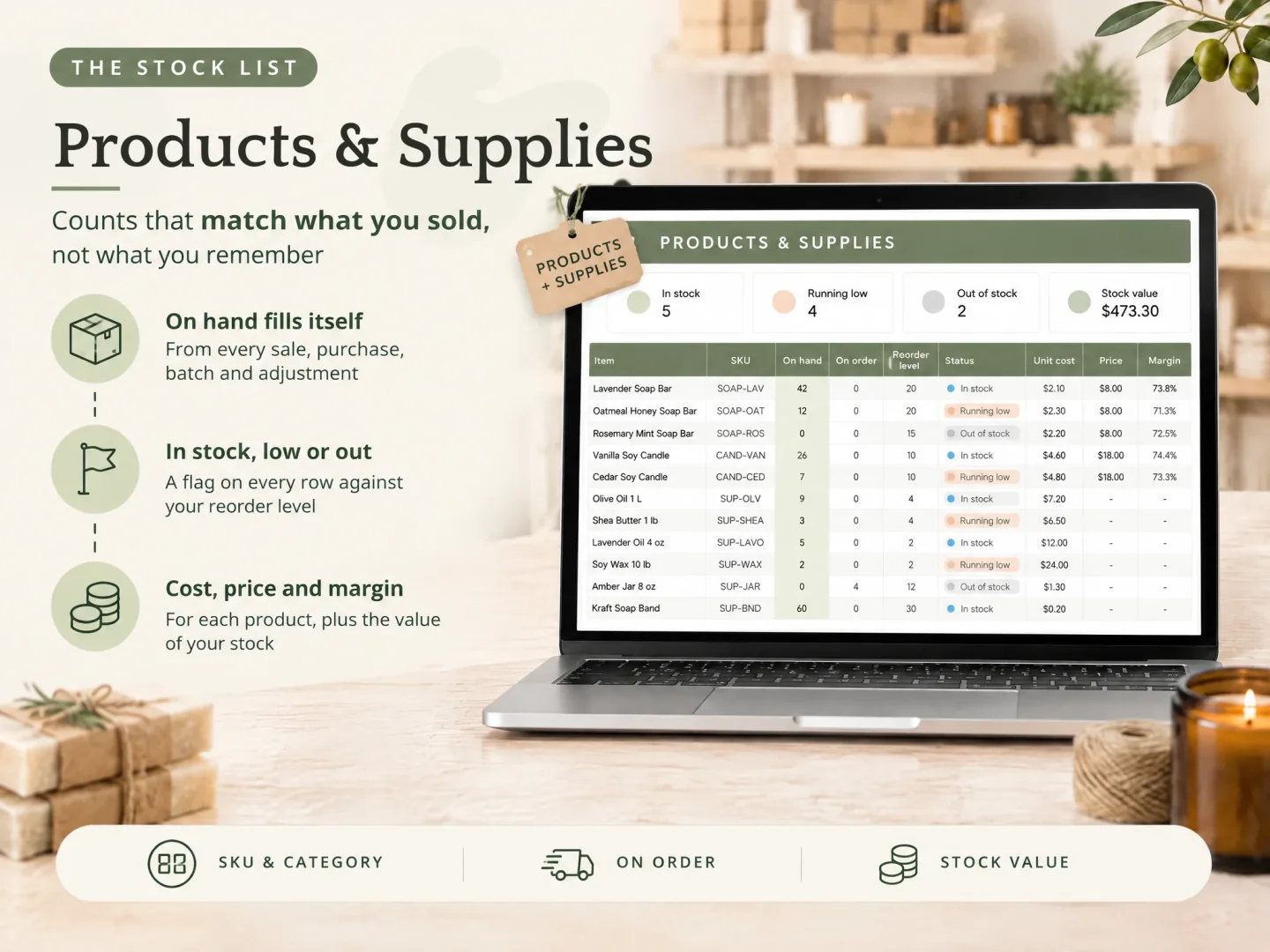
It is a Google Sheets and Excel file that logs batches and shows what is running low. Each part of this post has a home in the file:
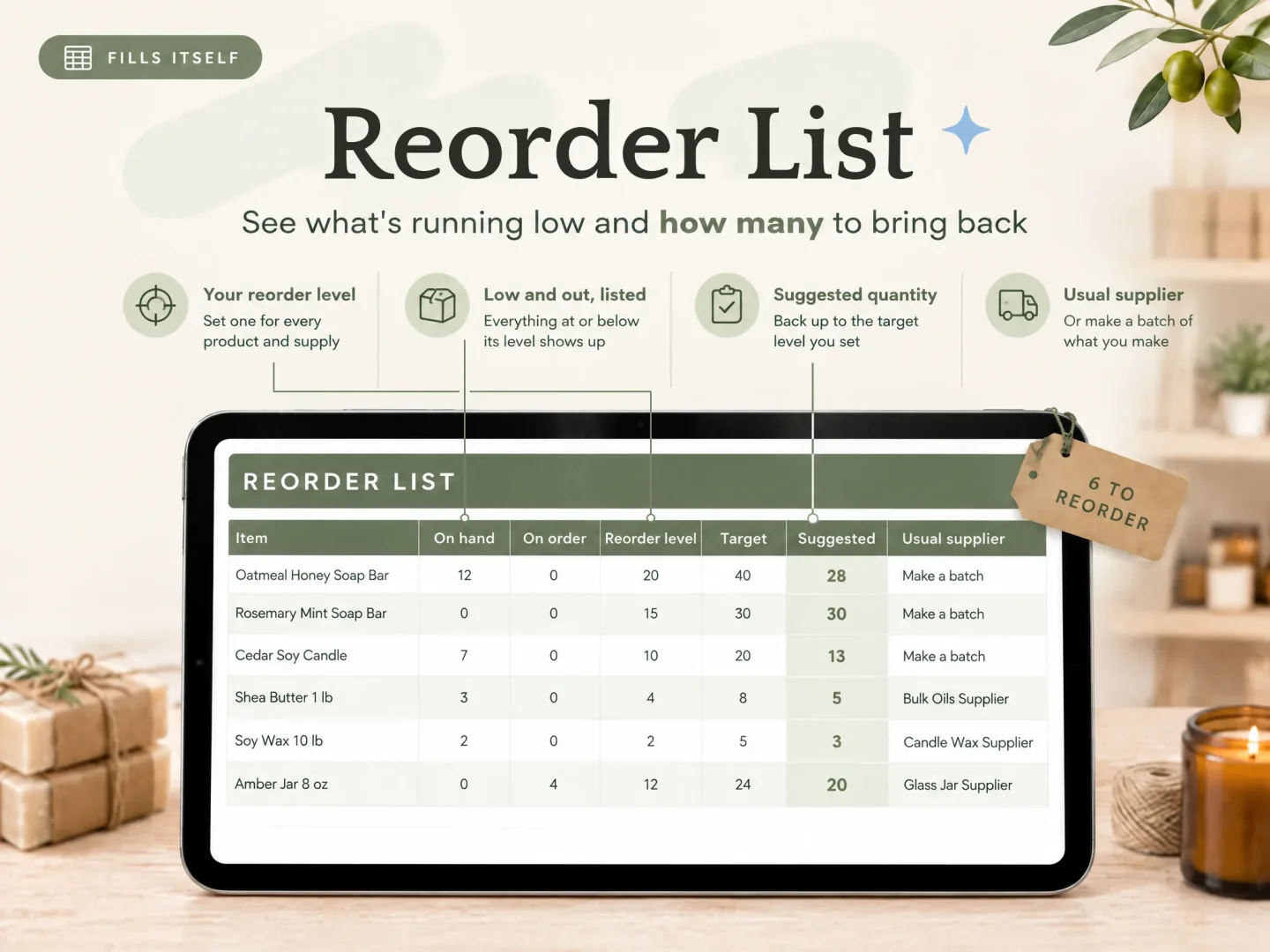
- Products & Supplies: one row per supply with its unit, on hand, on order, reorder level, status flag and unit cost.
- Reorder List: supplies at or below their reorder level, with a suggested quantity to a target level and the usual supplier.
- Purchases: stock goes up when an order arrives.
- Adjustments: count corrections, breakage, samples and gifts, each with a reason.
- Recipes and Batches (optional): Recipes list the supplies in one finished piece and the cost of one piece. Batches take supplies out and put finished pieces in.
Each format comes in a sample copy with a small maker's example data and a clean copy.
Choosing the unit stays your job: pick one unit for each supply and keep using it.
Two limits, plainly. It has no connection to an online shop or till, and it does not scan barcodes, so you log or paste each entry yourself. Cost is for your own tracking.
Ultimate Inventory Tracker is published by Cosmo Suite. Read About Us for company details. The editorial policy explains how the site handles sources and corrections. For product questions, contact support@ultimateinventorytracker.site.
Frequently asked questions
What should a supply inventory include?
One row per supply, with a unit, an on-hand count, a reorder level and a status. Add on order, unit cost and supplier if you buy from more than one place. For a candle or soap maker, group the rows by category: wax, oils, packaging and market kit. The sheet tracks what you buy and use.
How do I track supplies measured by weight?
Count them in a weight unit you can read off your scale, such as ounces for wax and grams for oils, and keep that unit for the life of the row. Record what arrives in that same unit. Mixed units inside one supply make a count drift, so a dropdown on the unit column helps.
Should packaging and wax share one sheet?
Yes, if each row has its own unit and a category. Jars, boxes and labels count each, and wax counts in ounces. One sheet gives you one place to check before you order, and every Low flag shows up together.
How do I track supplies used in a finished piece?
Write down the supplies in one finished piece, then enter the quantities used when you record a batch. In this post's made-up example, 18 candles use 126 oz of wax and 18 jars. The Recipes and Batches tabs hold the per-piece supplies and the batch amounts.
Is there a free supply inventory template, and what does it cover?
Yes. Microsoft publishes free Excel inventory templates, including an inventory list with reorder highlighting. The listing does not say whether a file handles different units or takes supplies down for a batch. Open the template and check its fields and formulas before you rely on it for a maker's stock.
Does it scan barcodes?
No. Ultimate Inventory Tracker does not scan barcodes and does not connect to an online shop or till, so you log or paste each entry yourself. It can hold up to 1,000 products and supplies and up to 20 places in one file.
Sources
Keep reading
Templates and Sheets
Google Sheets Inventory Template: Track Stock on Your Laptop and at the Stall
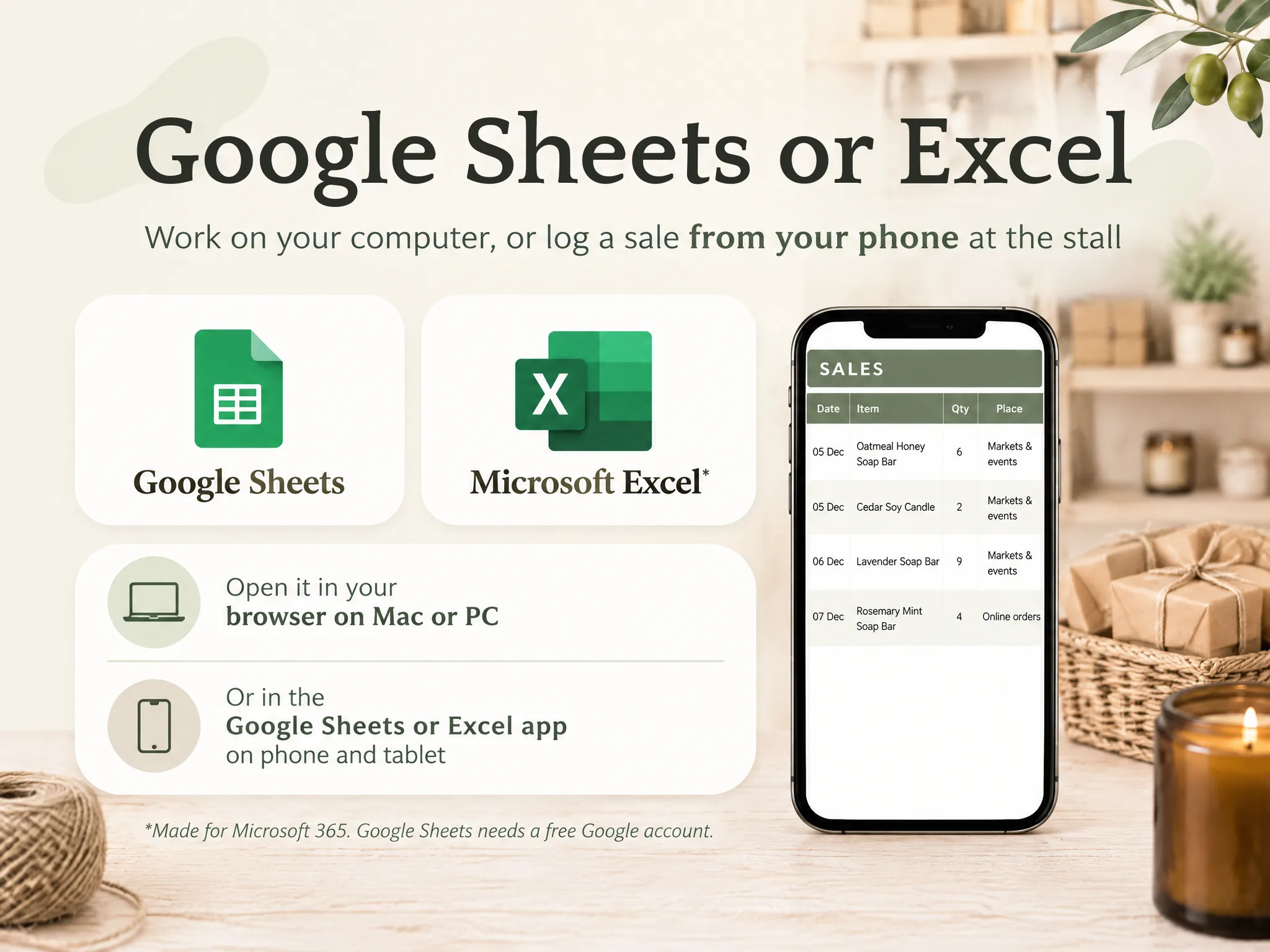
Google Sheets inventory template: the tabs, the SUMIFS formula that updates stock from each sale, and a stall day worked through in the Sheets app.
· 9 min read
Templates and Sheets
Supplier List Template: Who You Buy From, What It Costs, How Long It Takes
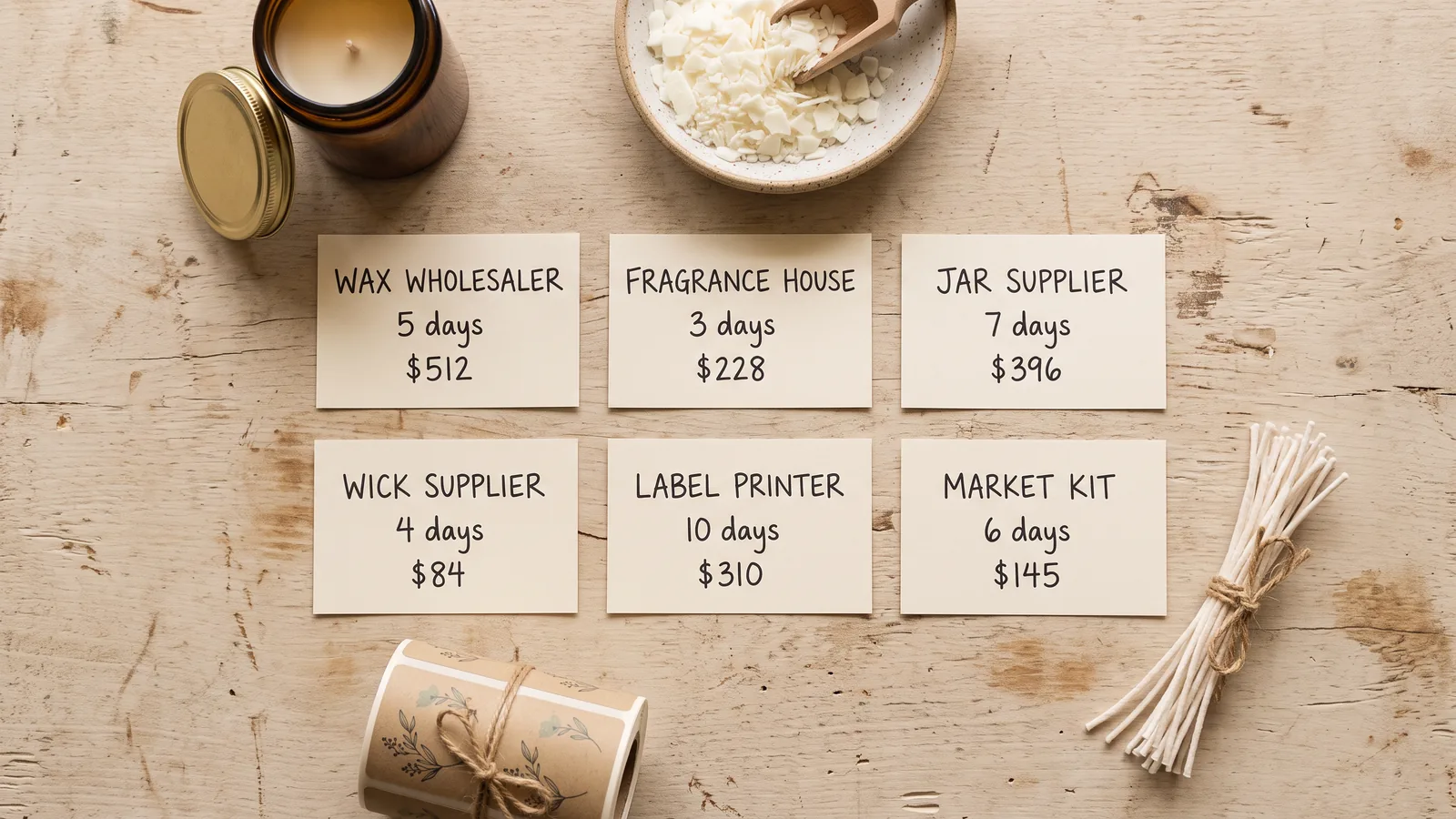
Supplier list template for makers: the columns worth keeping, how lead time sets your order date, and a spend total from your Purchases tab.
· 9 min read
Templates and Sheets
Excel Inventory Template: Formulas That Update Stock From Every Sale
Excel inventory template: the four tabs, the SUMIFS formulas that update stock from every sale, and a craft fair weekend worked through 37 sales.
· 9 min read
