Inventory and Sales Tracker: One Sale Row Updates Stock in Every Place
Inventory and sales tracker: log each sale once, see the remaining stock by place, and close out a fair or online order with a repeatable daily check.
By Ultimate Inventory Tracker by Cosmo Suite · Editorial policy
Published · 8 min read
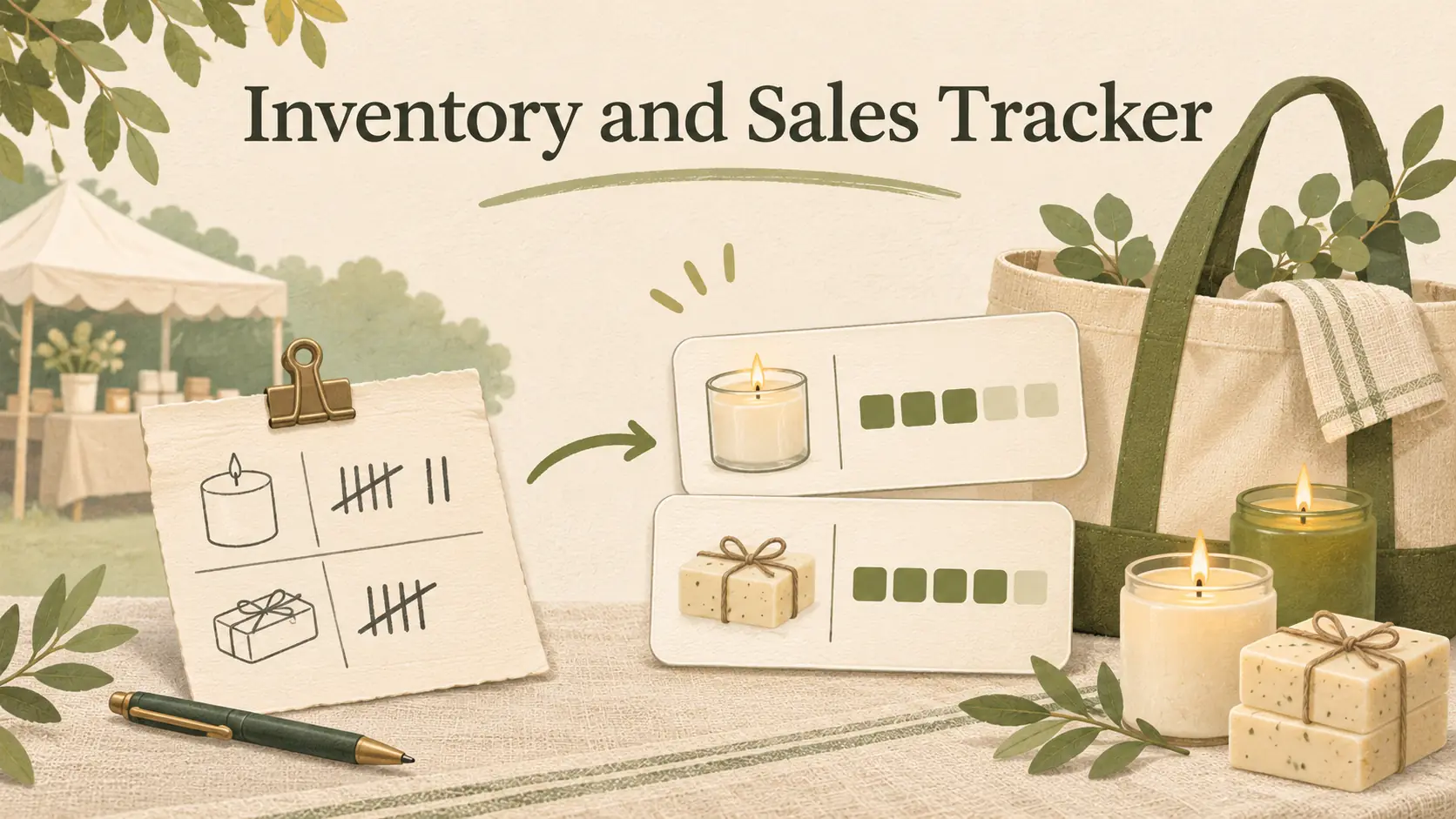
An inventory and sales tracker works when a sale is recorded once with the item, quantity, and place. That entry can update the count in your own stock record. It will not change a separate shop listing or till automatically.
When you sell at a fair and online from the same shelf, the distinction affects what you need to update. A tally can tell you what sold, while a place-by-place count tells you what remains available. Enter the tally before another sale depends on yesterday’s count.
A small business inventory spreadsheet gives the wider picture of stock fields and movement logs. This guide focuses on the sale row, the handoff from paper to spreadsheet, and a closeout you can repeat after each selling day.
In Short
- Record each product line with a date, quantity, place, and order reference.
- Use the same item names on your tally and in the stock record.
- A spreadsheet holds your entries, but it does not connect to an online shop or till or scan barcodes.
Inventory and sales tracker: start with the row fields
Inventory and sales tracker is a row log that links each sale to the item and place whose count changes. Keep the fields short enough to enter after a busy day. Microsoft’s current Excel inventory guidance recommends a linked transaction log with a date, quantity, transaction type, and amount; for a small seller, an item and place make the record easier to reconcile.
| Field | What to enter | Why it helps |
|---|---|---|
| Date | The day the buyer paid or the sale was recorded | Keeps the entry in the right day’s closeout |
| Item | The same name or variant used on the shelf | Reduces mix-ups between similar products |
| Quantity | Units sold on this line | Shows the amount to remove from stock |
| Place | Market, online order, or counter | Shows where the sale happened |
| Reference | Receipt, order number, or tally page | Gives you a trail back to the original sale |
| Note | Return, correction, or other exception | Explains a later change |
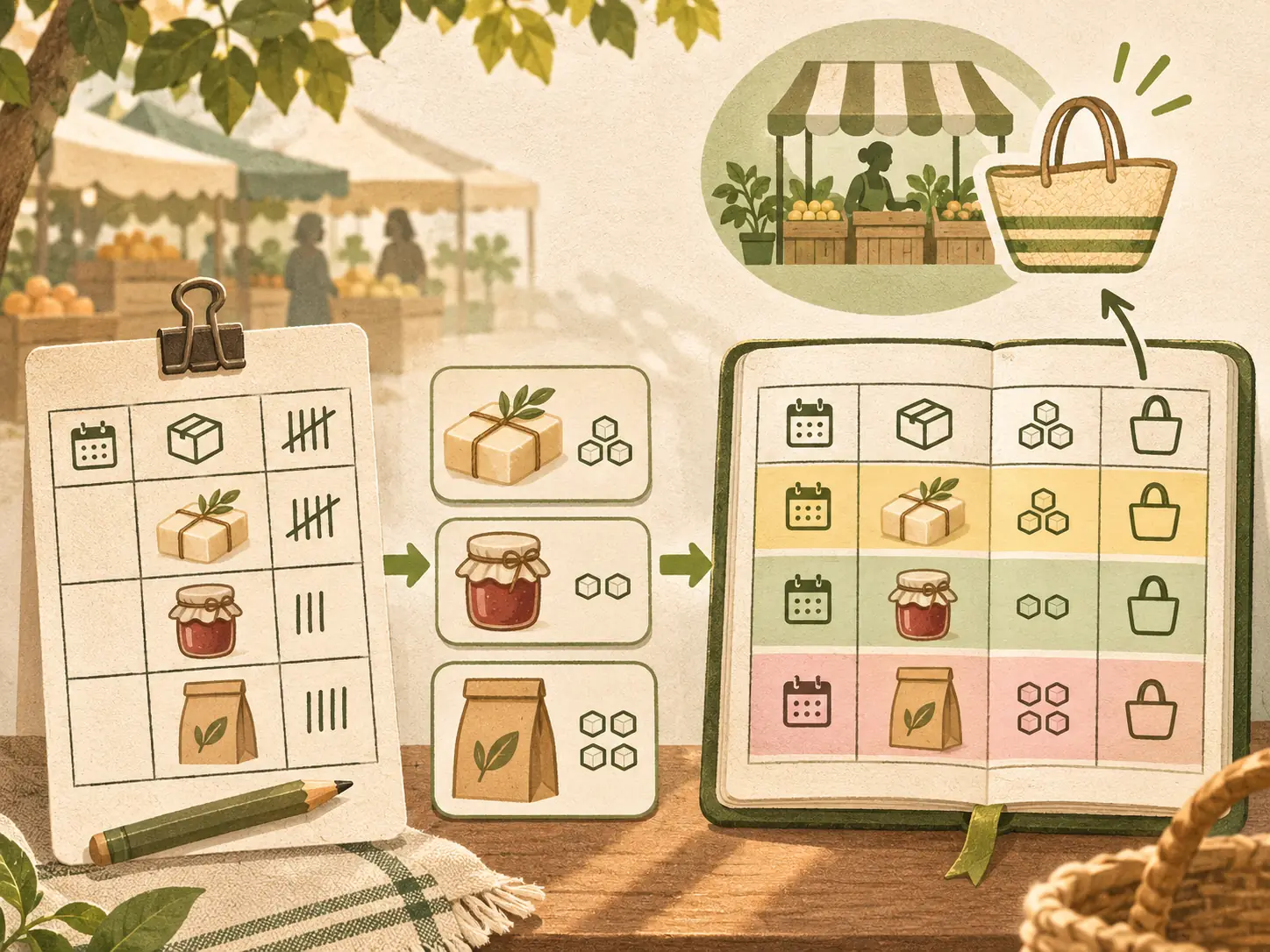
Use one unit consistently. If one item is counted as “each” on the shelf, enter it as “each” in the sales log. A jar sold as a single unit should not appear as a box unless the stock list also counts boxes.
Keep the place field simple. “Market” can be enough if you use one stall. If you sell at several fairs, include the event name or date in the reference field instead of creating a new place for every event. The goal is to find the sale later without making the entry slow.
What belongs in one sale entry
A sale line should hold the smallest amount of detail that lets you update the right item and trace the entry. For a one-item order, that may be one row. For a buyer who orders three products, use three item rows with the same order reference, so each stock quantity can change separately.
Names matter more than a fancy code. If the shelf label says “blue mug, large” and the sales row says “mug,” you may reduce the wrong version. Use the product name or variant that already appears in your item list. The Excel inventory template guide shows the formulas that take each sale row off the stock count.
A Google Sheets and Excel inventory tracker for small sellers can keep the sale log and stock by place together, if you can keep up with the manual entry. The place field still needs your entry after each sale.
A return needs its own note and date. Do not erase the original sale to make the count look right. Record the return or correction as a separate change, then inspect the item before putting it back into sellable stock. A damaged return may need to stay out of the count available for sale.
Keep the source record. A receipt, market tally, or order confirmation can help answer a simple question later: did the buyer take two, or did you enter two by mistake? If you use paper during a fair, mark the tally when the sale happens and type it once when you get back.
A place label records where the sale happened. It does not reserve stock or send a quantity change to a shop, marketplace, or till. Treat the source of the order and the place holding the item as separate facts when you reconcile a shared shelf.
Inventory and sales tracker: what to use when
Choose a tracker based on how sales happen and how quickly your stock moves. A spreadsheet can suit a seller who can enter each sale before the next place uses that quantity. A connected point-of-sale system fits a different routine when stock must change at the moment a sale is processed.
| Your selling setup | A workable record | Check before relying on it |
|---|---|---|
| One stall or one shop | One sales log with date, item, and quantity | Whether you enter each sale before closing |
| A market plus online orders | One log with a place field and a daily closeout | Whether the online listing still shows the market quantity |
| Several people taking sales | Shared entry rules and an owner for each closeout | Who records returns and corrections |
| Many fast sales at once | A system built for your channels or a defined tally process | Whether it updates each channel you actually use |
The right choice depends on the gap between a sale and the next stock update. If a last item sells at a market while an online listing still shows it, the spreadsheet cannot remove that listing for you. The guide on how to stop overselling covers that handoff in more detail.
One fair weekend, from tally to stock-on-hand
A fair tally becomes useful when it ends as an item-by-item record. For example, these fair-weekend figures start with 60 pieces packed, 37 sold, and 23 brought back. The arithmetic is 60 minus 37. These are editorial example numbers, not customer results. The tally sheet travels home with the unsold pieces and gets entered on Monday.
Start by grouping the 37 sold pieces by name or variant. Suppose the tally has 14 small candles, 12 large candles, and 11 soap bars. These category counts are illustrative only; use your own tally rather than assuming a product mix. Enter each item as a separate line and mark “Market” as the place.
Then check the pieces that came back. If the 23 remaining items match the counts in your list, the market closeout is complete. If they do not, compare the tally with the physical items before changing the record. A missing line, damaged item, or an unrecorded sample can explain the difference.

Keep the paper tally until every row is entered and checked. If a sale included two scents, keep the quantities separate. If an item was returned during the fair, note it on the tally so the Monday entry reflects the net stock movement.
The how much inventory to bring to a craft fair guide covers how past fair results can inform what you pack next time. This post stays with the after-sale record: which pieces left, which came back, and whether the counts agree.
Build a short closeout around the places you sell
A closeout is a repeatable time to bring the sale notes into one record. business.gov.au’s inventory guide describes a periodic system as one where the seller manually updates stock records, while a point-of-sale system can update them as purchases and sales occur. It also advises recording each sale and return. For a manual sheet, a clear closeout is part of the system, not an optional tidy-up.
- Gather the source notes. Collect till slips, online order confirmations, cash notes, and market tallies.
- Enter the sale lines. Use the same item name, quantity, and place each time. Give multi-item orders one shared reference.
- Record exceptions. Add returns, samples, damage, and corrections separately with a short reason.
- Compare the risky items. Check last units, popular items, and anything that moved between places against the physical count.
- Resolve differences. Find the missing sale or movement before changing the recorded quantity. Keep a note of the correction.
- Set the next handoff. If the next sale place opens before you can reconcile, decide who enters the numbers or temporarily hold the item from sale there.
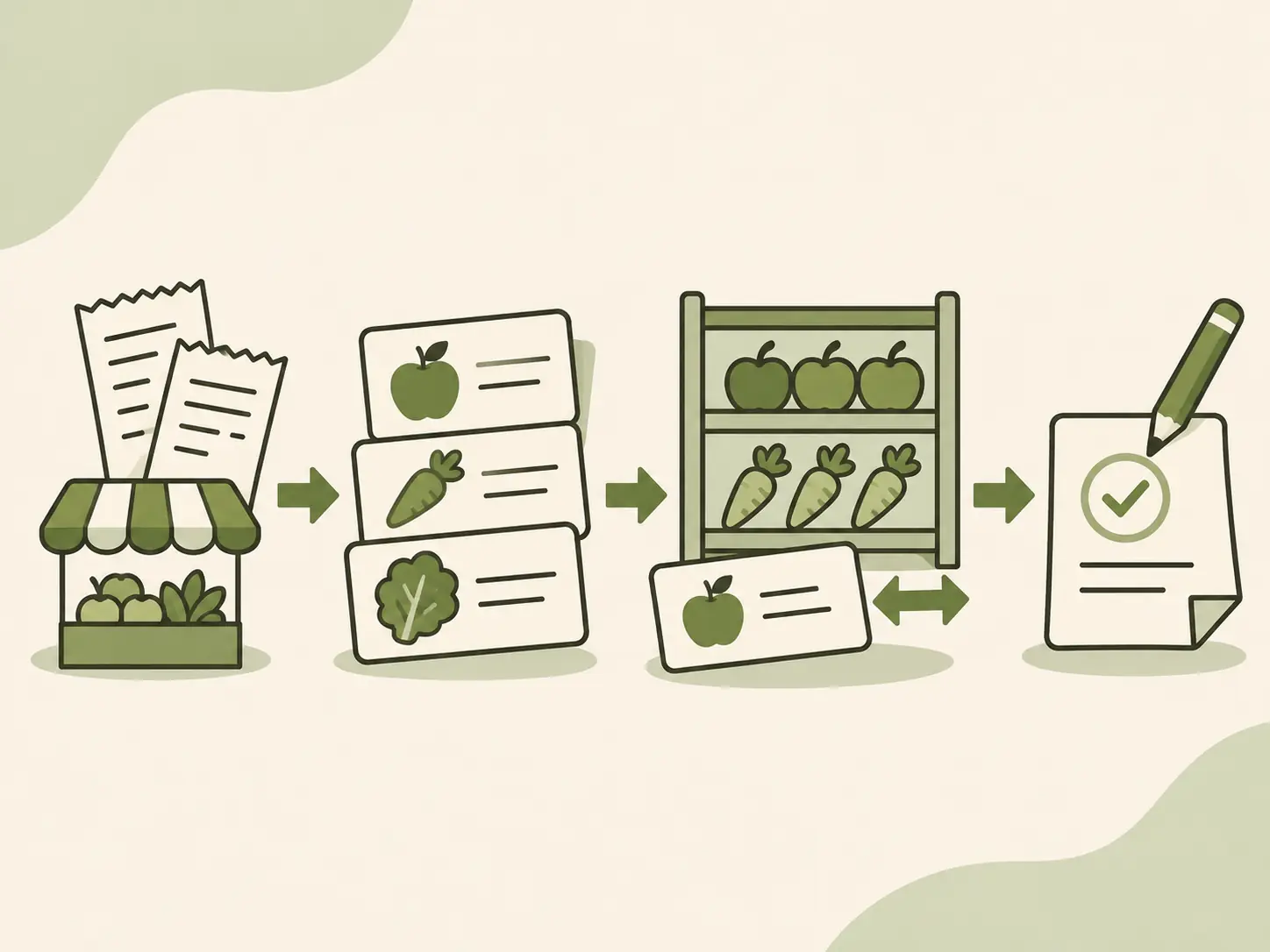
If you sell only at one counter, the steps may take a few minutes. When a market and online shop share the same stock, do the closeout before both places offer the last units again. If you cannot enter every sale during the event, keep a paper record that is clear enough to finish later.
A stock count is a check on the log, not a replacement for it. business.gov.au recommends comparing stocktake numbers with sales records. If a shelf count does not match, trace recent sales, returns, transfers, and adjustments before writing over the old number.
What a sale row changes, and what it cannot
A sale row can update the quantity in the spreadsheet that contains it, if the workbook links the sale log to its item list. It cannot update a separate shop, marketplace, or till unless that connection exists and is set up. A place label records information; it does not create an integration.
Microsoft’s Excel inventory guidance describes using a linked transaction log to keep a master inventory list current. This is a spreadsheet workflow: formulas use the entries that someone has recorded. When a sale happens outside the file, the number remains unchanged until you enter or paste that sale.
If you sell the same last piece in two places, decide which place gets it first and update the other listing before it can be sold again. For automatic stock sharing, check the exact channels and locations supported by the tool you choose.
How the Ultimate Inventory Tracker handles this
The Ultimate Inventory Tracker (by Cosmo Suite: one Google Sheets and Excel file, 12 tabs, $9 once) has a Sales tab where you log each sale, including the place. The recorded stock goes down for that place, while Stock by Place shows the quantities in each location. The Dashboard can show sales by place and product, based on the entries in the file.
The file does not connect to an online shop or a till, and it does not scan barcodes. You must log or paste each sale. A file can keep the sale log, stock by place, and related tabs together, if you can keep up with the manual entry.
The workbook includes a sample copy and a clean copy in each format, plus printable market tally and stock count pages. Use the sample to see where a sale entry goes, then decide whether its fields fit the way you sell. For a one-time file, see the tracker’s included tabs and formats. If your main need is automatic channel updates, choose a tool that explicitly lists the shop and till connections you use.
The site’s About page and editorial policy explain who publishes these posts and how we handle sources and corrections.
The counts in the fair example are illustrative. Microsoft and business.gov.au guidance was checked on 9 November 2026.
Frequently asked questions
What should an inventory and sales tracker include?
Start with the sale date, item or variant, quantity, place, and a short order reference. Add a return or correction reason when stock changes after the sale. Keep purchase, transfer, and adjustment entries in their own logs so each stock change has a clear source.
How do I track inventory and sales in a spreadsheet?
Create one row for each item line sold. Record the date, item, quantity, place, and reference, then connect that log to your stock list with a formula or linked calculation. Count fast-moving items regularly and compare the sheet with what is physically on hand.
Can one spreadsheet track sales from a market and an online shop?
It can hold records from both places if you enter each sale and identify where it happened. A spreadsheet does not automatically connect to an online shop or till unless a specific integration is provided. The Ultimate Inventory Tracker has no shop or till connection and no barcode scanning, so you log or paste each sale.
Should I enter every item on a multi-item sale?
Yes. Use one line for each product or variant in the order, even if the buyer made one checkout. That lets the stock record reduce the right items and keeps the order reference available across those lines.
How do I record craft fair sales when I get home?
Use a tally sheet during the fair, grouped by item or variant. Afterward, enter the quantities sold against the market place and compare the result with the items you brought back. Keep the paper tally until the typed entries match it.
How often should I update an inventory and sales tracker?
Enter sales at a consistent point before the next selling place relies on the quantity. If you cannot enter sales during a market, close out the tally before reopening the same stock online. Recount items when the physical quantity and the record disagree.
Sources
Keep reading

Small Sellers
Overselling: Why It Happens When You Sell in Two Places, and How to Stop It
Overselling happens when two sales use the same stock before your count changes. Use a place-by-place log, a small buffer, and a daily closeout.
· 9 min read
Small Sellers
How to Track Inventory for a Small Business Without Updating Stock by Hand
Small business inventory management for a two-person shop: six record fields, a 15-minute weekly check, a monthly count, and the double entry to stop.
· 10 min read

Small Sellers
Inventory Shrinkage: How Small Sellers Find Where Stock Went
Inventory shrinkage is the gap between recorded and counted stock. Learn how to check sales, receiving, damage, and locations before changing your count.
· 7 min read
